Thanks for reading! Let me know if there’s a topic you’d like me to cover.

In a remote work environment, we spend lots of time using Slack (or Discord … or maybe even Teams). The typical series of Slack messages looks like a lot of short responses with a few longer posts.
Another common use of Slack to use it as an information radiator and log for things that often happen in a business:
-
A channel called #wins might receive an automated message when a new customer signs up
-
#feedback could take the results from a web form
-
#alerts is a place to send critical messages that need attention
These are one-way messages, with a link as the call to action (go to Salesforce, an internal app, or similar). If the org uses a specific Slack app, a dedicated button in the message might enable a different action. But what about using Slack to get quick information that resolves bottlenecks?
A dedicated resource within Slack to answer questions removes at least one click from the call to action. It also improves the context for users by keeping them in place while they do their work.
Slack bots excel at this task.
Enter Slackbot
Slack makes it pretty easy to get started with a Javascript or Python implementation for a bot. You can have a conversation with a bot directly through a direct message, use a /slash command to invoke it in Slack, or mention the bot directly.
What better way to test a bot than to have it tell you a Dad Joke? I’ve done this before by calling a Dad Joke API from Google Sheets, but I thought it would be more fun to wire this bot up to the OpenAI API.
The goal for this experiment:
-
Create a bot in Slack
-
Create some code in Python to talk to it
-
Wire up the request to send to the OpenAI API
My experience in writing Python to create a Slack bot is almost zero. So I decided to use Cursor – an AI coding assistant – to get me started.
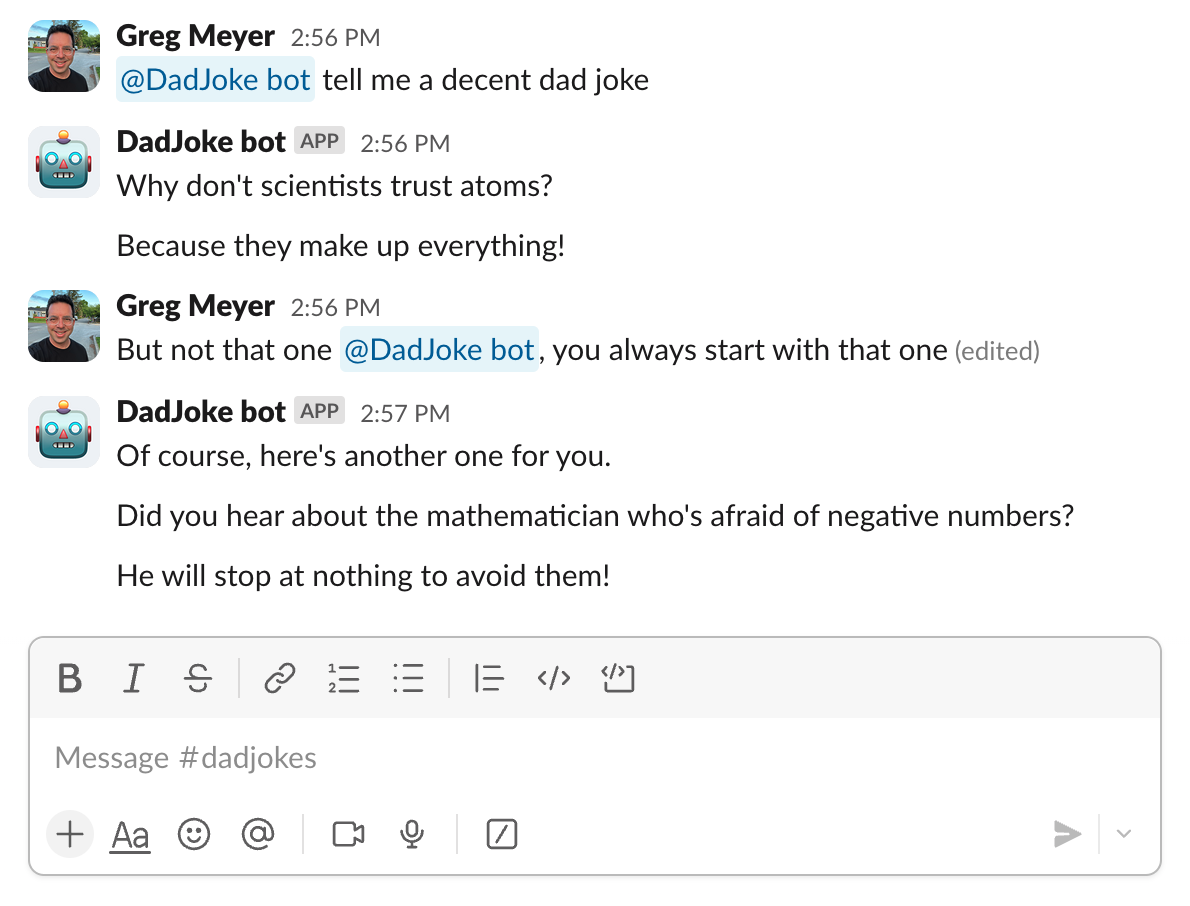
Here’s the result:
The joke isn’t great, but there’s a lot going on here:
-
The bot is listening (using “socket mode” to respond instantly) for specific events that it’s been granted permission to hear
-
Based on a message including an @ mention, the bot is parsing the text, sending it to the OpenAI api, and returning a response.
-
It does all of this within a few seconds or less
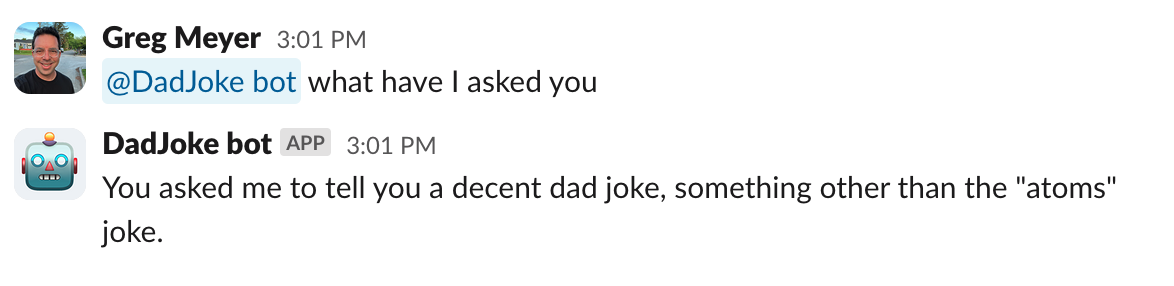
If you lose context, you can ask about your current conversation, because we are maintaining a rudimentary session based on the timing of the message.
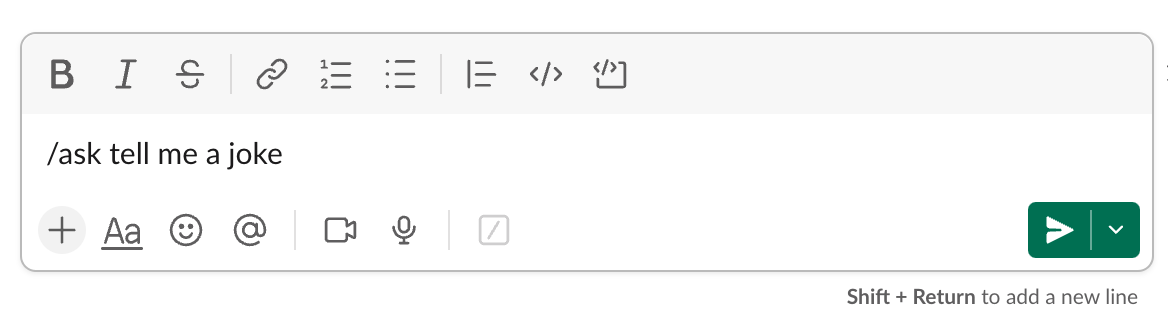
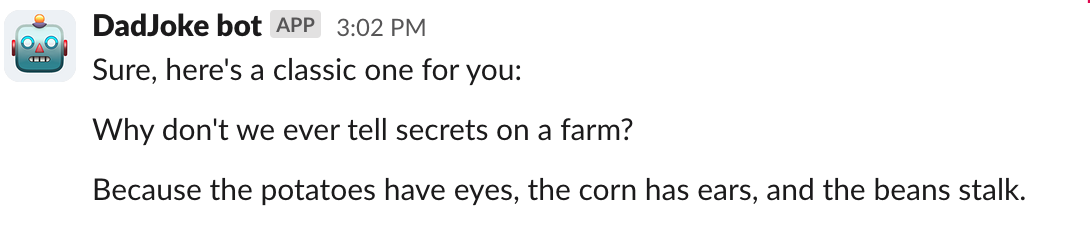
Sometimes you don’t want to have this conversation in a public channel so the bot is also able to respond privately either by using a /slash command or by a private DM.
We are just getting started
I’ve used ChatGPT and Claude to fix syntax errors and look up formulas and patterns for different types of tech tasks. This is the first time I’ve used an AI coding assistant from end to end in a project. It’s pretty crazy how fast you can go from thinking about a design to implementing a feature.
The first version of this bot took about an hour and was based on polling for requests. The second version took about 90 minutes and is much closer to a v0 than I expected after that much time. It’s easy to see that using AI as a coding partner is the wave of the future.
What’s the takeaway? The big benefit of AI? Enabling people to envision software features and prototype solutions in near-real time. Building a Slackbot is a great example of an internal app to improve business process. (A Dadjoke bot? Probably not good for anything but a quick laugh.)